⚡ Lightning Fast
All operations run directly in your browser using high-performance JavaScript engines — no server round-trip, no waiting.
All PDF tools you need to work smarter with documents. Secure, lightning-fast, and completely free — your files never leave your device.
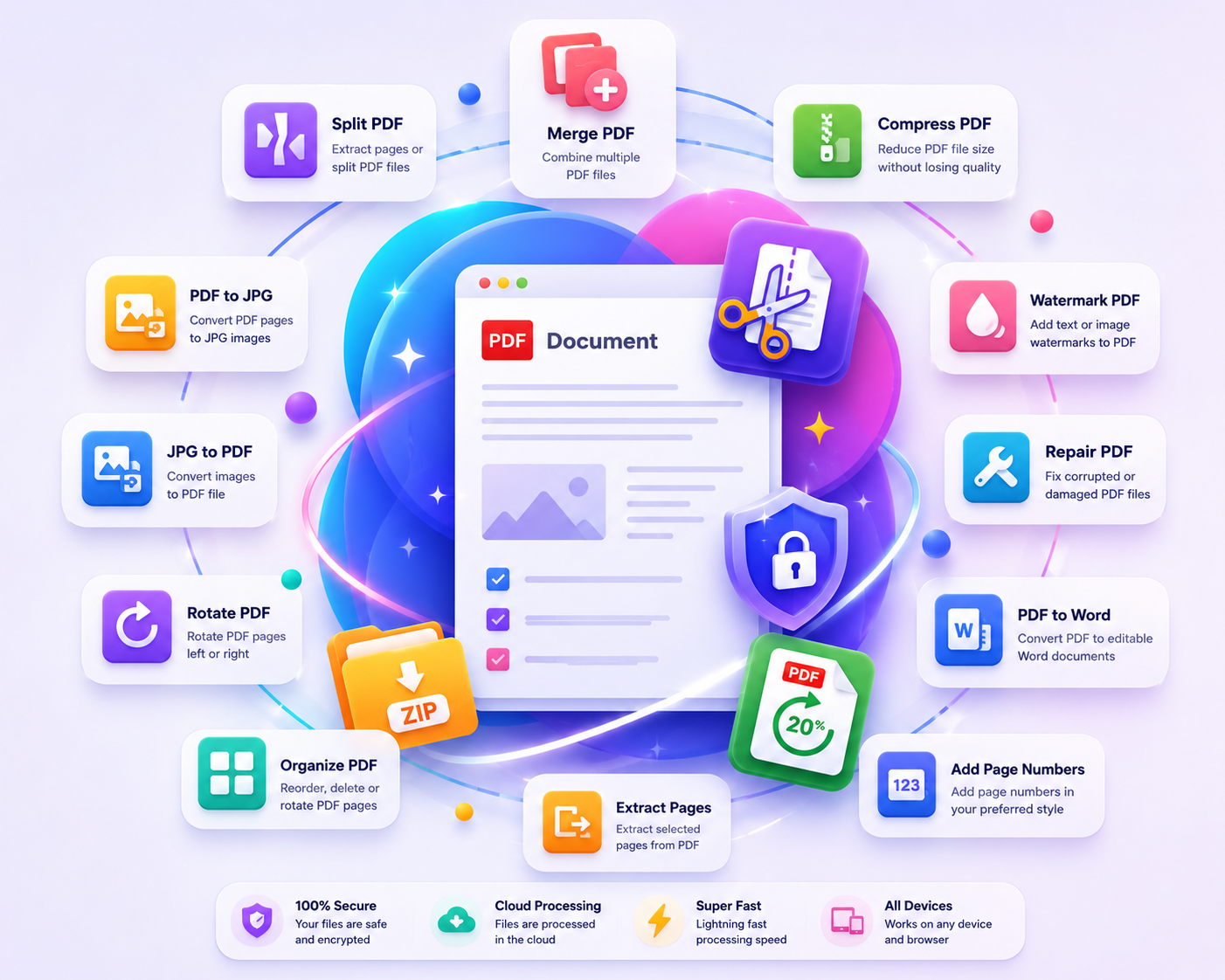
A complete set of PDF tools — arranged for fast, repeated use. All free.
Combine multiple PDF files into one organized document.
Split a PDF into individual pages or extract a range.
Reduce PDF file size while maintaining quality.
Convert every PDF page into a JPG image.
Turn images into a single polished PDF.
Rotate all or selected pages in your PDF.
Reorder, rotate, or remove PDF pages.
Save selected page ranges as a new PDF.
Apply custom page numbers to your PDF.
Add text or image watermarks to your PDF.
Rebuild damaged or unreadable PDF files.
Extract readable text into a Word-compatible file.
Professional-grade PDF tools built for speed, privacy, and everyday productivity.
All operations run directly in your browser using high-performance JavaScript engines — no server round-trip, no waiting.
Your files are never uploaded to any server. Everything runs locally — your documents stay on your device at all times.
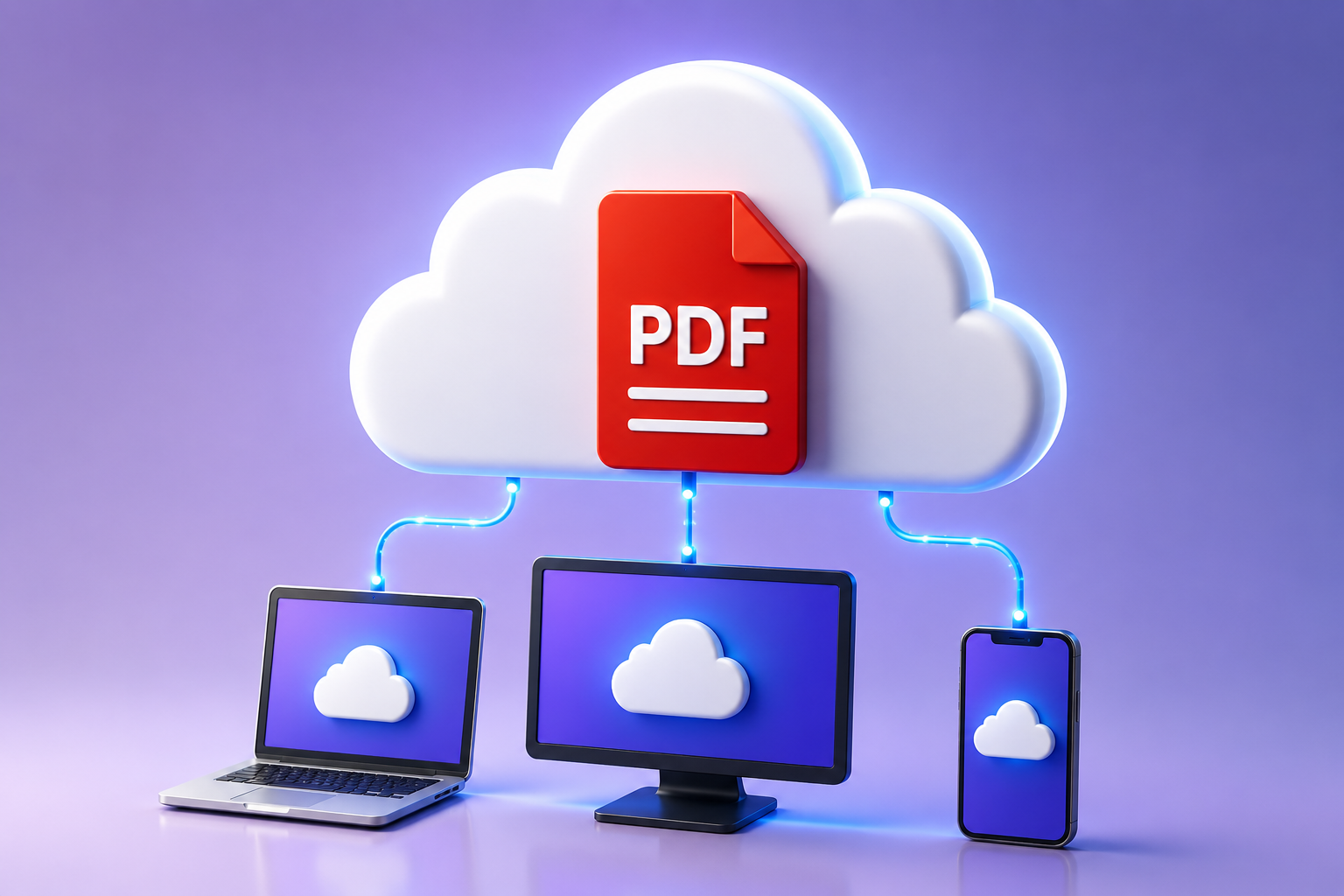
Access all PDF tools from any modern browser — Windows, Mac, Linux, iOS, and Android. No installation required.
PDFnestify is designed from the ground up with your privacy as the first priority.
Core operations run in your browser with local file reads and generated downloads. No WordPress plugin dependency, no server upload pipeline required.
Every tool uses the same upload → preview → process → download flow, reducing surprises and improving usability on all devices.
The site is PHP-based and static-file friendly, with lightweight includes and client-side PDF processing libraries. Ready for Hostinger hosting.
Yes — all PDFnestify tools are completely free to use, forever. No subscription, no trial, no credit card required. We believe PDF tools should be accessible to everyone.
No. PDFnestify is designed in such a way that all PDF operations run directly in your browser. Your files are never sent to any remote server.
The current limit is 25MB per file. This limit is set to ensure smooth in-browser processing performance across all devices.
Yes. The interface is fully responsive and optimized for Windows, Mac, Linux, iOS, and Android. All tools work on mobile browsers.
PDFnestify offers 3 compression levels: Screen (smallest size), eBook (balanced), and Print (high quality). The actual savings depend on your PDF content — image-heavy PDFs see the greatest reduction.