⚡ Lightning Fast
All operations run directly in your browser using high-performance JavaScript engines — no server round-trip, no waiting.
All PDF tools you need to work smarter with documents. Secure, lightning-fast, and completely free — your files never leave your device.
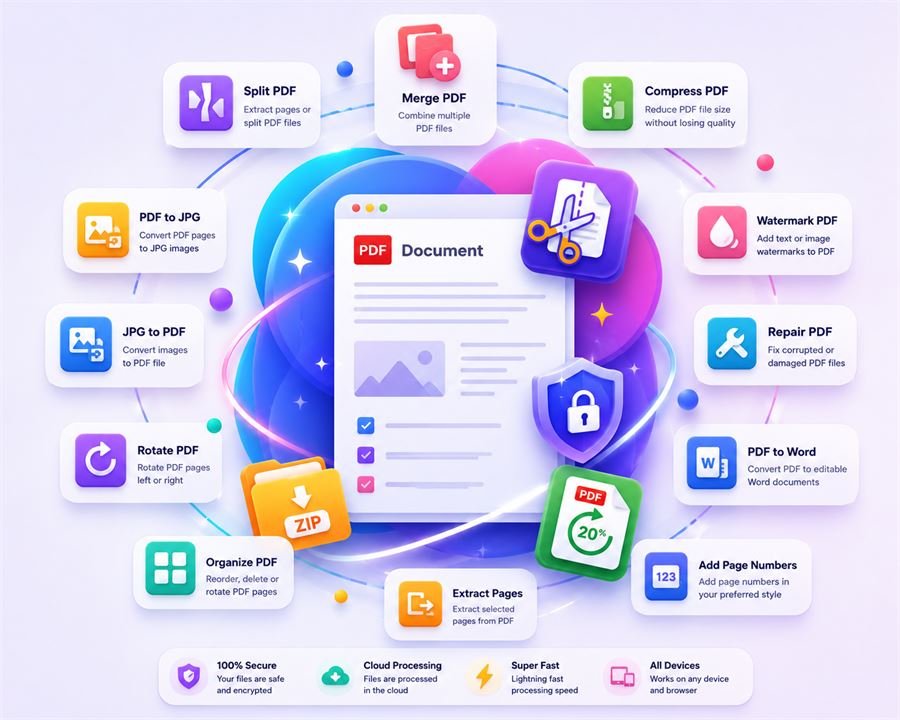
A complete set of PDF tools — arranged for fast, repeated use. All free.
Combine multiple PDF files into one organized document.
Split a PDF into individual pages or extract a range.
Reduce PDF file size while maintaining quality.
Reorder, rotate, or remove PDF pages.
Save selected page ranges as a new PDF.
Rotate all or selected pages in your PDF.
Edit PDF text, add shapes, insert images, fill forms, and sign documents online.
Add text or image watermarks to your PDF.
Apply custom page numbers to your PDF.
Convert every PDF page into a JPG image.
Turn images into a single polished PDF.
Extract readable text into a Word-compatible file.
Extract PDF tables and data into Excel spreadsheets (.xlsx) or CSV files.
Convert Word documents (DOC, DOCX) into high-quality PDF files.
Extract searchable and selectable text from scanned PDF documents.
Rebuild damaged or unreadable PDF files.
Trim white space or crop custom page margins easily.
Encrypt your PDF with a password to restrict access.
Remove password security from your PDF file.
PDFnestify runs completely in your browser. Tap the features below to see how our client-side architecture keeps your documents 100% secure.
Documents stay local. No servers, no leak risks.
Skip signups, emails, or credit card forms.
Professional files without any added watermarks.
Run all tools offline without an internet connection.
Files are read into your browser's private memory sandbox and processed instantly. They are never sent to our servers.
We don't collect cookies, emails, or personal details. Open the site and start working immediately.
Output files are identical to the input quality, with absolutely no watermarks or headers added.
Since the processing logic runs locally on your CPU/GPU inside your browser, the tools work perfectly in airplane mode.
Professional-grade PDF tools built for speed, privacy, and everyday productivity.
All operations run directly in your browser using high-performance JavaScript engines — no server round-trip, no waiting.
Your files are never uploaded to any server. Everything runs locally — your documents stay on your device at all times.
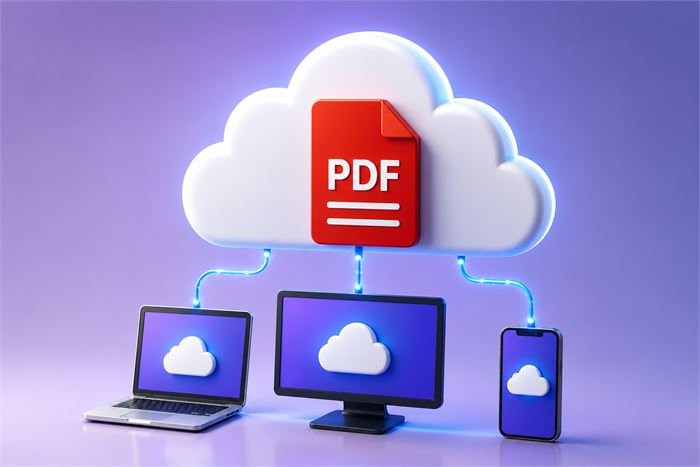
Access all PDF tools from any modern browser — Windows, Mac, Linux, iOS, and Android. No installation required.
PDFnestify is designed from the ground up with your privacy as the first priority.
Traditional converters make you wait to upload heavy files. PDFnestify opens and processes them instantly because it reads files directly from your device's memory.
No daily usage limits, no credit cards required, and absolutely no watermarks on your files. Enjoy a professional PDF toolbox without any premium up-sell traps.
Because all document modifications happen inside your browser, you can continue to merge, split, and compress your PDFs even if you lose internet connection.
Yes — all PDFnestify tools are completely free to use, forever. No subscription, no trial, no credit card required. We believe PDF tools should be accessible to everyone.
No. PDFnestify is designed in such a way that all PDF operations run directly in your browser. Your files are never sent to any remote server.
No. You can convert, merge, split, and edit as many files as you want with PDFnestify. There are no daily usage caps or subscription limits.
Yes. The interface is fully responsive and optimized for Windows, Mac, Linux, iOS, and Android. All tools work on mobile browsers.
PDFnestify offers 3 compression levels: Screen (smallest size), eBook (balanced), and Print (high quality). The actual savings depend on your PDF content — image-heavy PDFs see the greatest reduction.